
The key Component to improve SEO
It can feel like trying to hit a moving target when you optimize your website for search engines. There are hundreds of things that affect how your site ranks on Google, and its algorithm is always changing. Keywords and backlinks are often the main focus, but user experience has become an important part of the SEO puzzle.
This is where Core Web Vitals come in. Google came up with these metrics to measure and quantify how a user interacts with your webpage in the real world. They go beyond standard SEO methods to look at things like how fast your page loads, how well it responds, and how stable its layout is. It’s no longer optional to know and optimize for these vitals; it’s an essential part of a good SEO strategy.
This guide will give you a detailed look at Core Web Vitals. We’ll explain what they are, why they’re important, and most importantly, we’ll show you how to measure and improve them step by step. By the end, you’ll know how to make your website work better, give users a better experience, and move up in Google’s search results.
What are the most important web metrics?
Google uses a specific set of metrics called Core Web Vitals (CWV) to rate the overall user experience of a webpage. They are part of a bigger set of signals called “Page Experience” signals. Other signals in this group include being mobile-friendly, having HTTPS security, and not having pop-ups that get in the way.
This is how you should think of it: The main goal of Google is to give users the best and most relevant results for their searches. Quality isn’t just about the content on the page; it’s also about how easy and enjoyable it is for a user to get to that content. If a website is slow, clunky, or unstable, it can be frustrating for users. This is a sign to Google that the page may not be the best result to show.
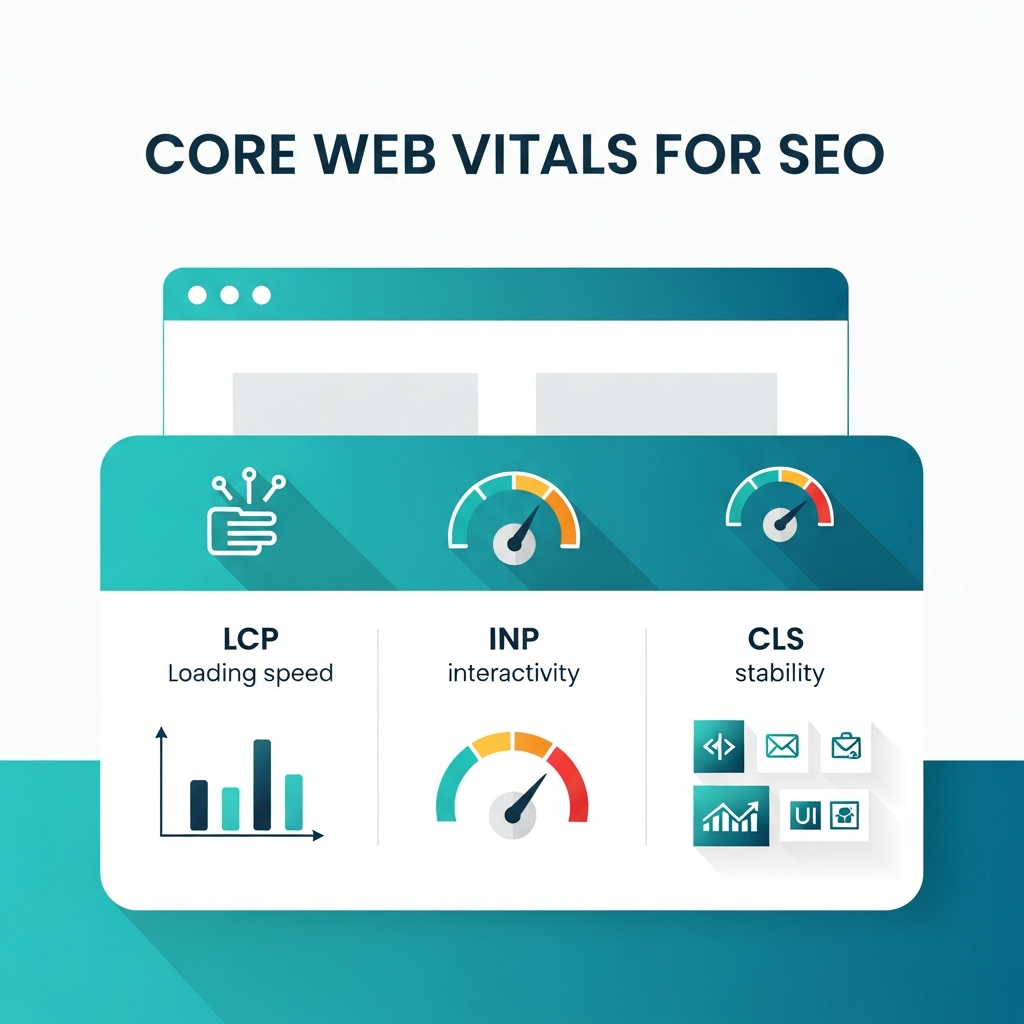
Core Web Vitals give website owners clear, measurable goals for making that experience better. They focus on three key aspects of user interaction:
- Loading: How long does it take for the main content of a page to show up?
- Interactivity: How fast does the page respond when a user tries to use it?
- Visual Stability: Does the layout of the page change in an unexpected way while it is loading?
By making these three areas better, you are directly making your site look better to users, which in turn helps your Google SEO.
The Three Main Parts of Core Web Vitals
Let’s take a look at the three parts of the Core Web Vitals: Largest Content full Paint (LCP), First Input Delay (FID), and Cumulative Layout Shift (CLS).
1. Largest Contentful Paint (LCP): How to Check How Fast a Page Loads
What does LCP mean?
Largest Content full Paint tells you how long it takes for the biggest piece of content, like an image, video, or big block of text, to show up in the viewport. In short, it shows the time on the page load timeline when the main content has probably loaded. A fast LCP lets the user know that the page is useful and loading correctly.
What is a good score for LCP?
- Good: 2.5 seconds or less
- Needs Improvement: Between 2.5 and 4.0 seconds
- Bad: More than 4.0 seconds
Picture clicking a link and then looking at a blank white screen for a few seconds. You might think the site is broken or just hit the back button. LCP is made to find this exact point of frustration.
2. First Input Delay (FID): How to Measure Interactivity
What is FID?
First Input Delay tells you how long it takes for the browser to process a user’s first action on your page, like clicking a link or tapping a button. It only counts the “delay” in processing; it doesn’t count how long it takes to run the event handler. FID is a very important sign of how responsive your site is.
What is a good score for FID?
- Good:100 milliseconds or less
- Needs to Get Better: Between 100 and 300 milliseconds
- Bad: More than 300 milliseconds
A low FID score makes things feel slow. If a user clicks “Add to Cart” and nothing happens for a long time, they might click again, thinking that the first click didn’t work. This makes for a bad experience and could cause people to leave.
Note: Google changed FID to a new metric called Interaction to Next Paint (INP) in March 2025. FID only looked at the first interaction, but INP looks at all interactions to see how responsive a page is overall. A good INP score is less than 200 milliseconds. The ideas are similar, but from now on, focusing on INP will be very important.
3. Cumulative Layout Shift (CLS): How to Tell How Stable a Visual is
What is CLS?
Cumulative Layout Shift tells you how stable a page looks. It measures how much the content that is visible changes in unexpected ways while the page is loading. A high CLS score means elements on the page are moving around as new content loads, which can be incredibly disruptive for users.
How high should a CLS score be?
- Good: 0.1 or less
- Needs Work: Between 0.1 and 0.25
- Poor: More than 0.25
Have you ever tried to click a button on a webpage, but an ad loaded just above it and pushed the button down, making you click the ad instead? That’s a change in layout, and CLS is meant to stop that from happening. Images that don’t have set sizes, ads that are added dynamically, and fonts that load late and cause a flash of unstyled text are all common problems.
How to Check and Make Your Core Web Vitals Better
The first step is to know what CWV are. The next step is to check how well your site is doing and make changes. This is a step-by-step guide on how to optimize these parts of your website for SEO.
Step 1: Find out how well you’re doing right now
You can’t make things better if you don’t keep track of them. There are a lot of great tools that can help you look at your Core Web Vitals.
- PageSpeed Insights: is one of Google’s best SEO tools. Simply enter your URL, and it will give you a detailed report for both mobile and desktop, including your CWV scores and specific recommendations for improvement. It has both “lab data” (a simulated load) and “field data” (real user data from the Chrome User Experience Report).
- Google Search Console: The “Core Web Vitals” report in your Search Console account sorts your website’s pages into three groups: “Good,” “Needs Improvement,” and “Poor.” This works for both mobile and desktop. This is very helpful for figuring out which pages need the most work.
- Chrome DevTools: FYou can use the “Performance” and “Lighthouse” panels in Chrome’s developer tools to find problems as you work on your site.
To get a baseline, run your most important pages (your homepage, key service pages, and popular blog posts) through PageSpeed Insights first.
Step 2: Raise Your LCP Score
Slow server response times, JavaScript and CSS that block rendering, and big content elements are all things that can make LCP slow.
How to fix a bad LCP:
- Make your server better: A slow server will slow down everything else. Pick a good hosting company. If you’re on shared hosting and have a high-traffic site, consider upgrading. To cut down on latency, use a Content Delivery Network (CDN) to keep copies of your site closer to your users.
- Optimize Images: Images are usually the biggest thing on a page.
- Compress images: Use tools like TinyPNG or ImageOptim to make images smaller without losing too much quality.
- Use formats from the next generation: WebP and other formats offer better compression and quality than JPEG and PNG.
- Implement lazy loading: Use lazy loading for images that are below the fold (not immediately visible). This way, they only load when the user scrolls down.
- Cut down on resources that block rendering: If JavaScript and CSS files aren’t fully loaded, the browser won’t be able to show the page.
- Make CSS and JavaScript smaller:To make your file smaller, get rid of extra characters, comments, and whitespace in your code.
- Do not run non-critical JavaScript right away: After the main content has loaded, load scripts that aren’t necessary.
- Inline critical CSS: Put the CSS needed for content above the fold right in the HTML so it shows up right away.
Step 3: Improve Your FID (and INP) Score
Heavy JavaScript execution almost always causes a high FID or INP. The browser’s main thread can’t respond to user input when it’s busy running a big script.
How to fix a bad FID/INP:
- Break Up Long Tasks: If you have one long-running JavaScript task, it will stop the main thread from doing anything else. Divide it into smaller tasks that can be done at different times. This lets the browser respond to what the user does while it is doing the smaller tasks.
- Cut down on how long JavaScript takes to run: Look over your scripts. Are you using big libraries or plugins that you don’t really need? Can some features be made easier to use or taken away? Use the Performance panel in Chrome DevTools to find out which scripts are taking the longest to run.
- Use a Web Worker: You can also use a web worker to move complex tasks that don’t have to do with the UI to a separate thread. This runs the script on a different thread in the background, so it doesn’t stop the main thread and lets the page stay interactive.
Step 4: Make your CLS score better
Unexpected changes in layout usually happen when elements load without enough space or when new content is added above existing content.
How to fix a bad CLS:
- Add size attributes to videos and pictures: Always give your images and videos the width and height attributes they need (<img width=”640″ height=”360″ …>). This lets the browser set aside the right amount of space for the element while it loads.
- Set aside space for ads and embeds: If you have ad slots or embedded widgets (like a YouTube video), make sure their container has a set size. This stops them from moving other content around when they finally load. If an ad doesn’t fit in the space, you can show a backup or placeholder.
- Don’t put new content on top of old content: Make sure that any dynamic content you add to a page (like a “cookie consent” banner) doesn’t push down the content that is already there. Instead, think about using an overlay or putting it somewhere that doesn’t mess up the layout.
- Take care of fonts: There are two ways that web fonts can change: by showing a flash of invisible text (FOIT) or a flash of unstyled text (FOUT). To make sure that key web fonts are ready before the text is rendered, use font-display: optional or preload.
A Better Experience Will Help You Rank Higher
Main Web Vitals are a big change in the world of SEO. They make it clear that user experience is not just a “nice-to-have” but a key part of a good website. By focusing on loading speed, interactivity, and visual stability, you are directly addressing common user frustrations.
SEO will become more and more focused on the user in the future. Link building and other off-page SEO strategies are still important, but the technical foundation of your site is even more so. A website that loads quickly, works well, and is stable is now a must-have.
Improving your Core Web Vitals is an ongoing process, not a one-time fix. Your scores can be affected by new content, changes to the design, or scripts from other people. You can keep an eye on any problems by regularly checking your performance in Google Search Console and Page Speed Insights.